A power bank may turn off while charging earbuds because the charging case draws less current than the power bank expects to see. Some output circuits interpret that very small load as “nothing connected” and stop supplying power. If the exact power bank supports a low-current or trickle-charging mode, enabling that mode can keep the output active for earbuds, watches, fitness trackers and other small accessories.
Do not assume low current is always the cause. A depleted power bank, damaged cable, dirty connector, incompatible port or failing accessory can produce the same symptom. The fastest diagnosis is to compare one known-good larger device and one low-power device under controlled conditions.
Start with this symptom split
| What happens | Most useful next check | Likely direction |
|---|---|---|
| A phone charges normally, but an earbud case stops after a short time | Check the manual for low-current mode | Small-load detection is plausible |
| Neither the phone nor the earbuds charge | Recharge the power bank and test another known-good cable and port | Power bank, cable or port fault is more likely |
| The earbud case does not charge from a wall charger either | Test the case and its connector separately | The accessory may be the failed part |
| Charging repeatedly starts and stops with more than one device | Inspect the cable fit, connectors and output behavior | Intermittent connection or protection event |
| The pack is swollen, damaged, leaking or becoming abnormally hot | Stop the test and follow the manufacturer’s safety and disposal guidance | Not a low-current troubleshooting case |
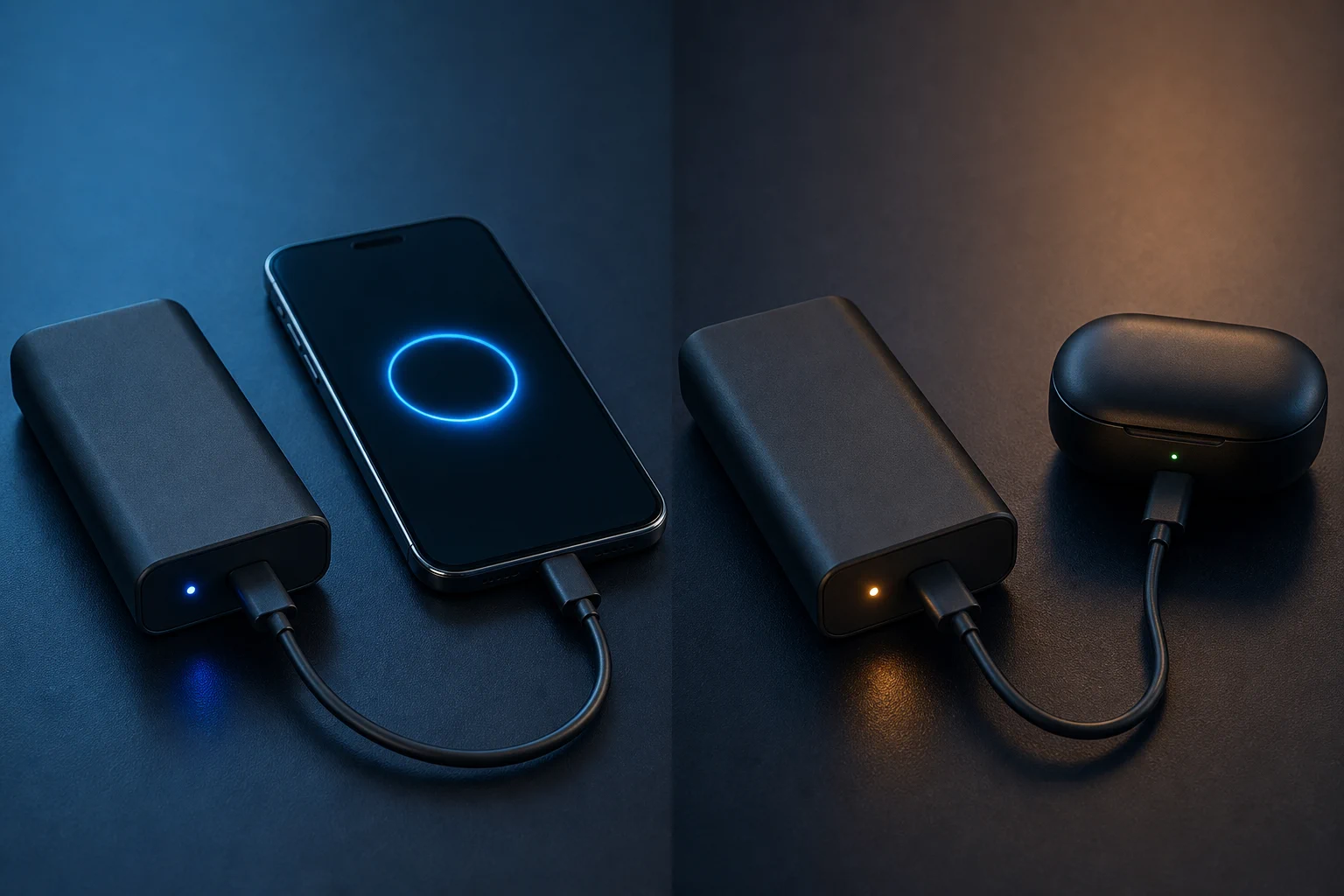
Why a small charging case can look like no load
A power bank has to decide when to energize its output and when to turn it off. In some designs, very low current or a current that falls below a model-specific threshold can trigger automatic shutdown. That behavior conserves the pack’s own battery when no useful load is present, but it can be inconvenient when a tiny accessory is still charging.
Earbud cases do not draw one constant current from empty to full. The load can change as the case battery fills, as the earbuds inside reach full charge, or as the case’s own control circuit pauses and resumes. A power bank that works at the start may therefore turn off later in the cycle.
This mechanism is product-specific. It should not be converted into a universal shutdown-current number. The output interface, controller design, firmware and accessory all influence the result.
Low-current mode is not named or activated the same way everywhere
Manufacturers use terms such as low-current mode, trickle-charging mode or small-device mode. The phrase does not describe one universal button sequence. Some models use a double press, others use a long press or enter the mode automatically, and many power banks do not provide the feature at all.
As one documented example, Anker’s Trickle Charging Mode support page describes a dedicated mode for low-power accessories and tells users to confirm support for their exact model. Treat that as an example of one manufacturer’s implementation, not instructions for every power bank.
Use the exact manual before pressing buttons repeatedly. On some products, the same button controls the display, output state or another function.
A controlled six-step diagnosis
1. Recharge the power bank
Begin with enough stored energy to remove a nearly empty pack from the test. If the indicators are unreliable, charge it according to its manual before comparing devices.
2. Test one known-good phone
Use the same output port and cable family when possible. If the phone charges steadily, the pack can at least sustain a larger load. If it does not, move to general fault diagnosis rather than low-current mode.
3. Verify the earbud case elsewhere
Charge the case from a known-good compliant wall charger. If it still fails, inspect the case connector and follow the accessory manufacturer’s support process.
4. Replace one variable at a time
Try one known-good cable, then a second output port if the pack provides one. Changing the cable, port and device at once hides the failing part.
5. Enable the documented small-device mode
If the exact manual confirms the feature, enter it using the stated procedure. Watch the power bank’s documented indicator and repeat the earbud test without connecting another load.
6. Observe a complete charging window
Do not close the test as soon as the first indicator appears. Confirm that the case continues charging through the point where it previously stopped and that the pack exits or remains in the mode exactly as the manual describes.
When low-current mode is not the fix
- The pack cannot charge a phone: review the pack’s state of charge, cable, port and general output condition.
- The case fails on every source: the accessory or its connector is the stronger suspect.
- The output cycles under a normal phone load: investigate connection quality, port sharing and a possible protection or hardware fault.
- The pack shows physical damage or abnormal heat: stop using it. CPSC power-bank recalls, including this fire-hazard recall example, show why overheating or defective lithium-ion products should not be treated as a minor charging-mode problem.
For a broader failure check, use the power-bank fault guide. It owns the general “is the pack broken?” task; the procedure here is narrower and starts only when small accessories fail while a larger known-good device still charges.
What to verify when choosing a pack for small accessories
- the exact model explicitly supports low-current accessories;
- the manual explains how the mode starts, indicates status and exits;
- the intended output port supports the feature;
- the test includes the actual earbud case, watch or tracker rather than only a phone;
- the pack remains stable through a complete low-current charging cycle; and
- packaging and support copy do not promise universal accessory compatibility without a defined device list or test scope.
Frequently asked questions
Why does the power bank turn off only when the earbuds are almost full?
The case may draw less current near the end of charging. If that lower load falls below the power bank’s detection behavior, the output can stop even though the accessory has not finished its own cycle.
Is low-current mode the same as slow charging a phone?
No. It is intended to keep an output active for a small load. It does not necessarily force every connected phone to charge slowly, and the implementation varies by model.
Can I keep a second device connected to prevent shutdown?
That can hide the symptom without proving compatibility and may change port sharing or total output. Use the documented small-device mode or a power bank designed for the accessory instead of adding an artificial load.
Match the output behavior to the real accessory
When a phone charges normally but earbuds do not, verify low-current support before declaring the power bank defective. For sourcing or product selection, review the power banks category and require the proposed model to be tested with the exact low-power accessories, cables and charging cycle in scope. Confirm the feature and activation method for that model before approval.