
Blog
DP Alt Mode Android Tablet: Setup, Cables & Fixes
Check if your Android tablet supports DP Alt Mode, choose the right USB-C cable or HDMI adapter, and fix no-signal or flicker issues.
Use these guides to compare product solutions, packaging decisions, certification questions and quote preparation before talking to the factory.
Check if your Android tablet supports DP Alt Mode, choose the right USB-C cable or HDMI adapter, and fix no-signal or flicker issues.

Choose the right iPad charger cable by matching both connectors, charging power, data needs, durability, and the exact iPad setup.
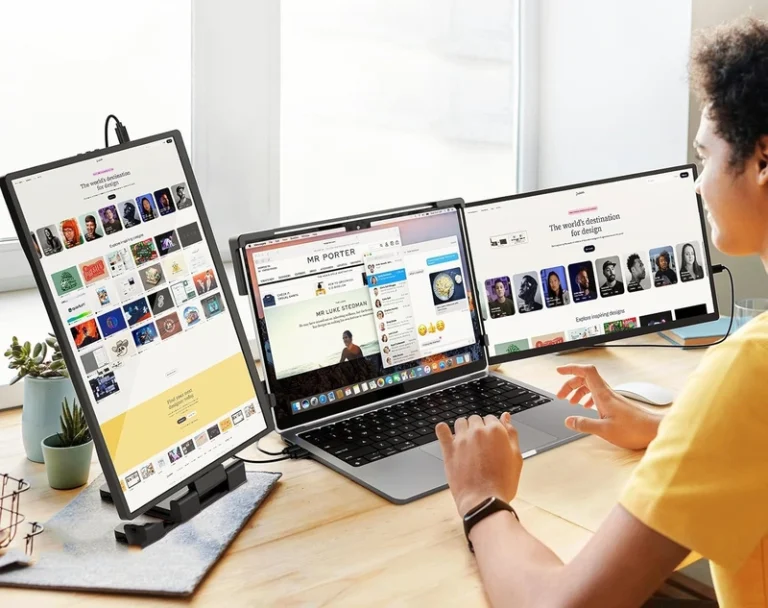
Transform your old laptop into a free secondary monitor with step-by-step software and hardware methods to boost productivity.
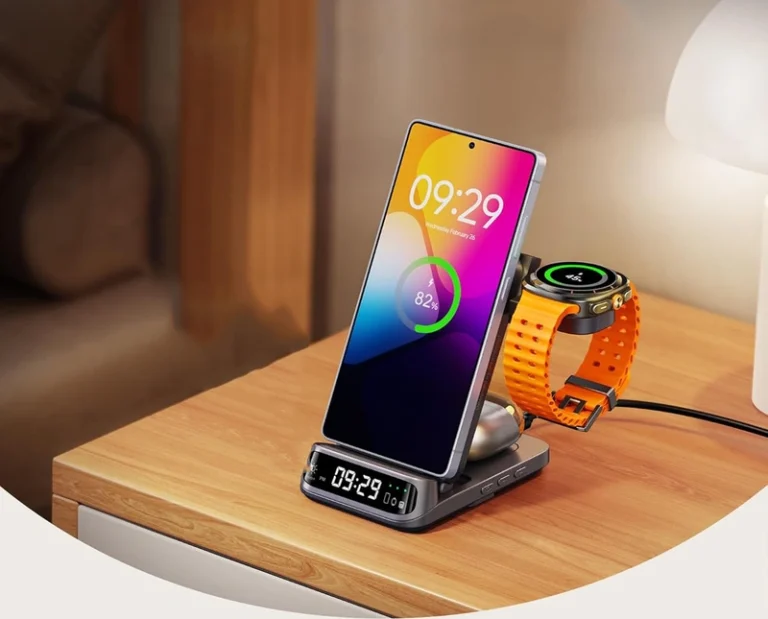
Use MagSafe-style charging on Android with magnetic cases, adhesive rings, Qi2 support, charger choice, alignment checks, heat control, and accessory compatibility.
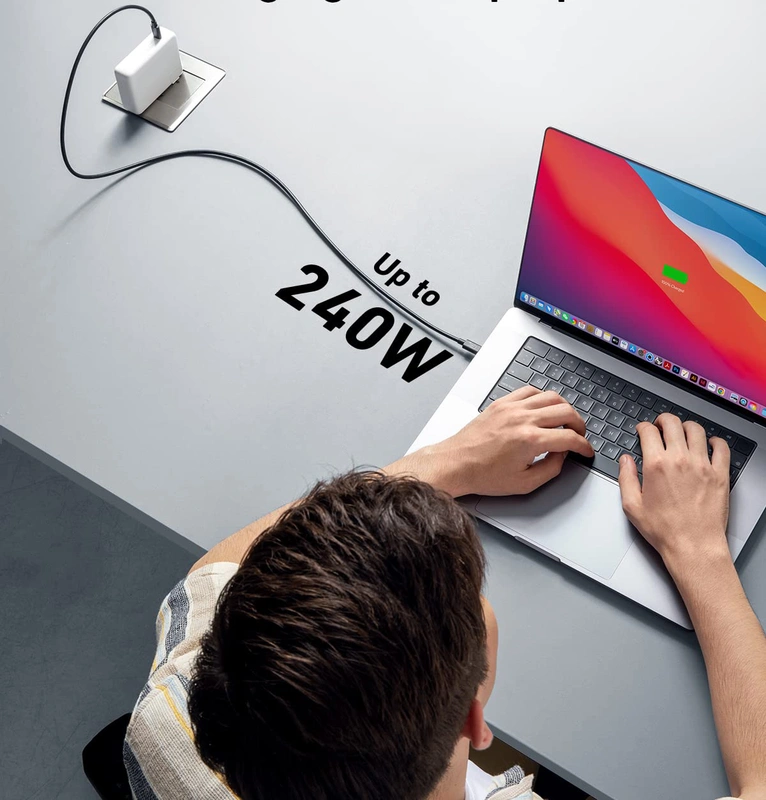
Despite newer standards, Thunderbolt 3 remains essential for professionals, offering proven performance, reliability, and a mature ecosystem for high-bandwidth workflows.
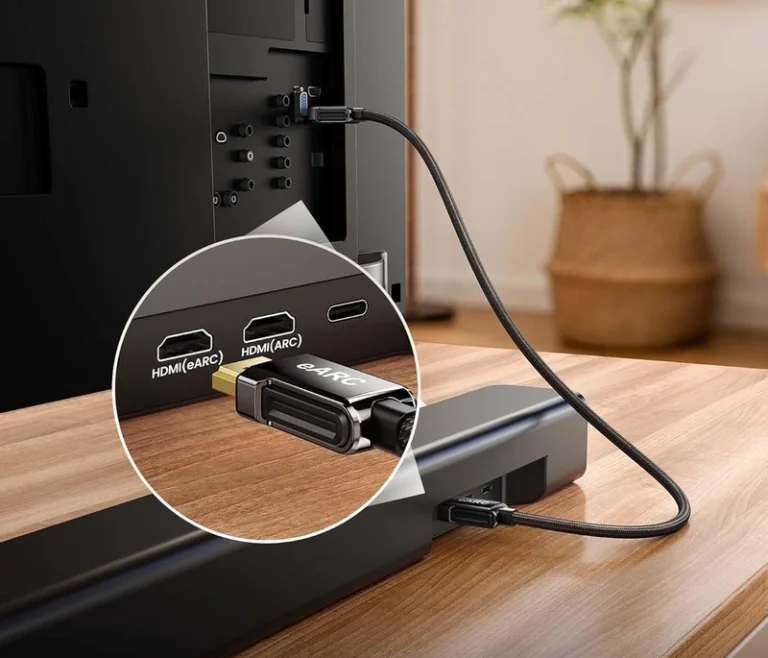
Fix HDMI ARC or eARC soundbar audio by checking ports, audio output, CEC settings, soundbar input, firmware, and a known-good cable.
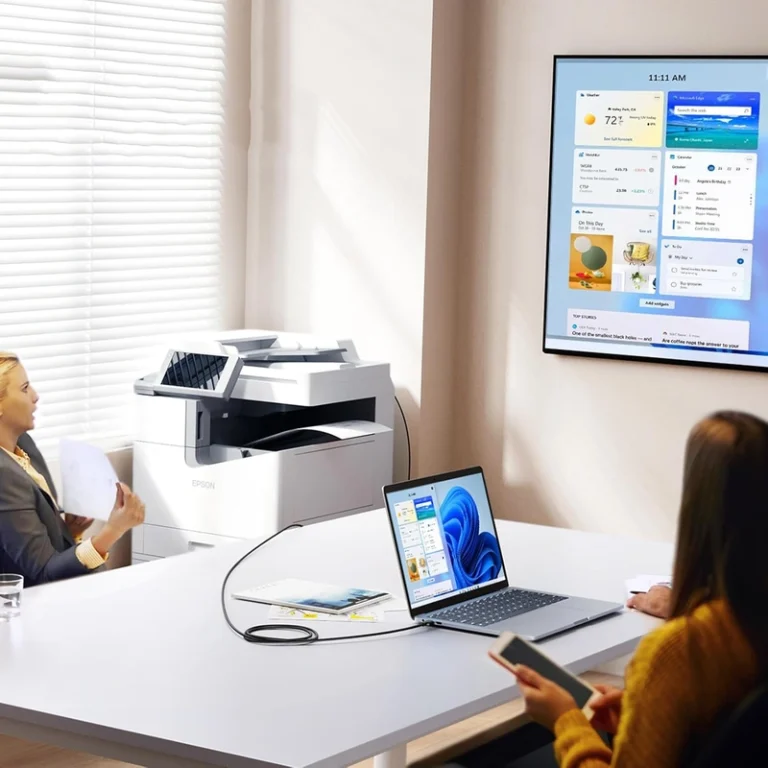
Choose the right printer cable for USB or Ethernet setup, shared office printing, cable length, speed, reliability, setup steps, and troubleshooting.
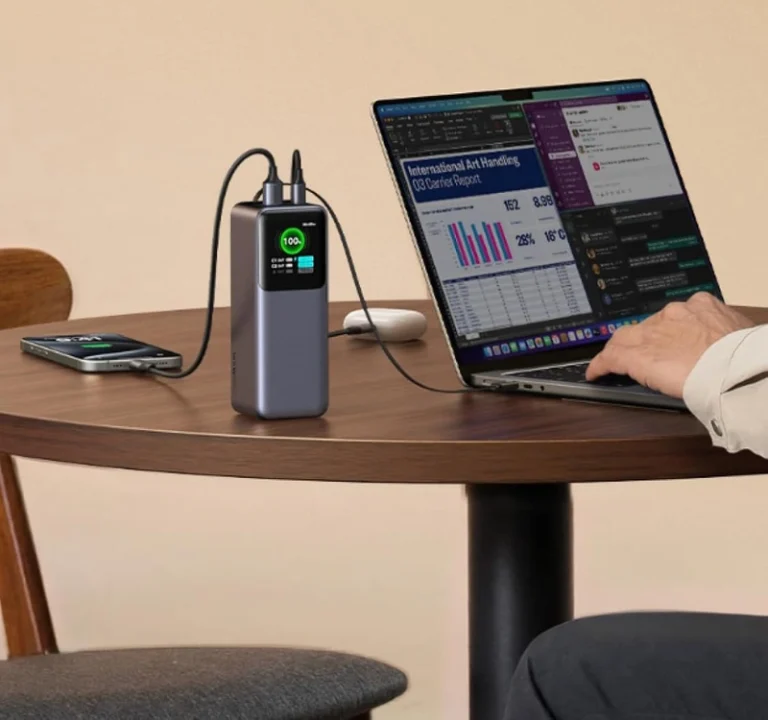
Your power adapter is a critical guardian for your electronics, protecting battery life, ensuring safety, and influencing long-term costs.
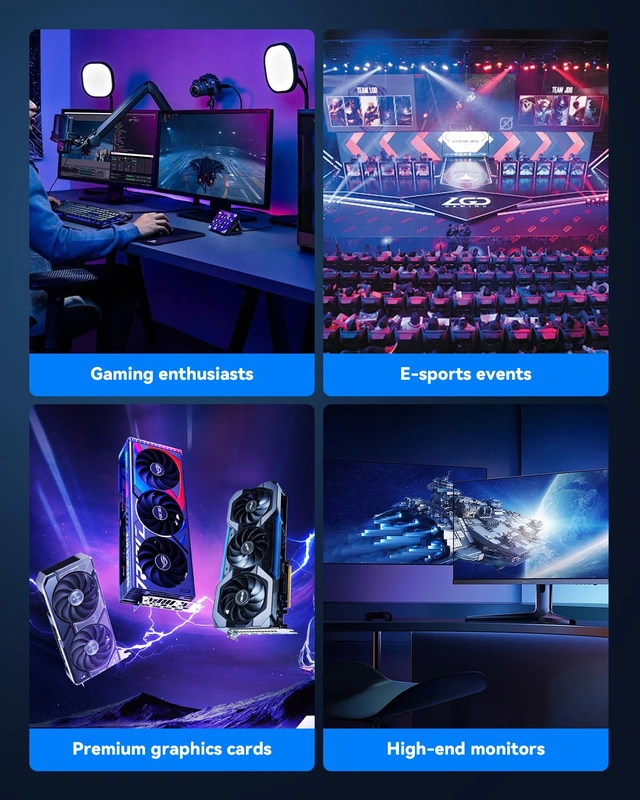
Choose a DisplayPort cable by checking the source-to-display chain, required resolution and refresh rate, length, and certification.
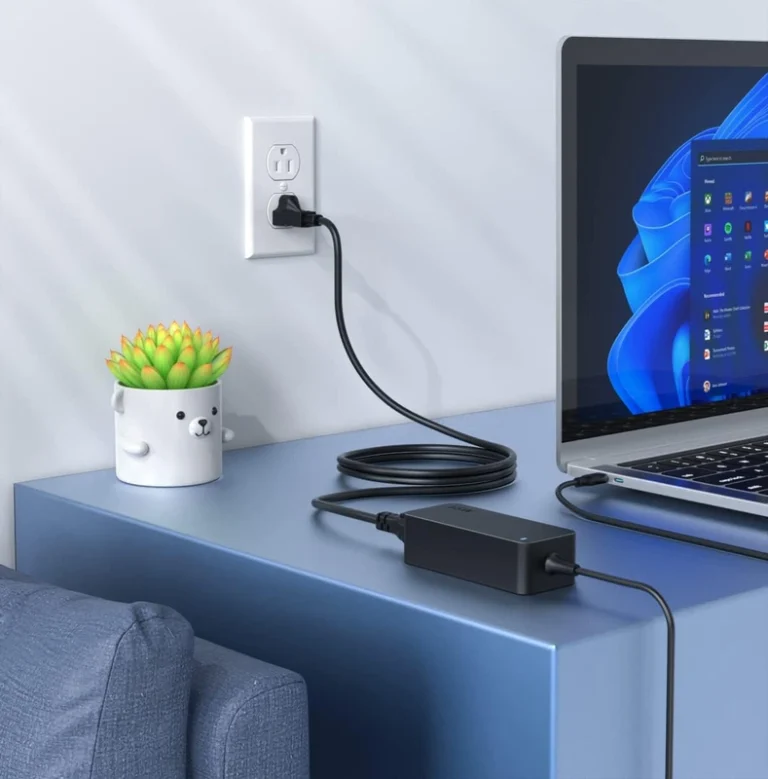
Choosing the right laptop charger is a strategic business decision that protects hardware, boosts productivity, and reduces IT costs.
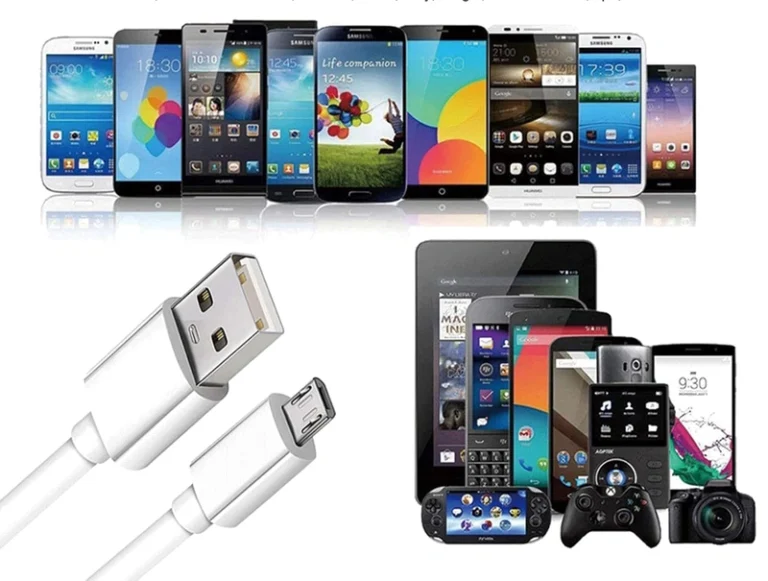
Micro USB port failures cripple business productivity. Learn the causes, from wear to contamination, and implement proactive repair and prevention strategies to cut downtime and costs.

Master the critical conversion between Wh and mAh using voltage to ensure product reliability, avoid costly errors, and make informed technical decisions.

For enterprise IT, choosing a 5V power adapter is a strategic safety decision. Prioritizing certified chargers with core protections prevents device damage, extends battery life, and mitigates significant operational and financial risks.
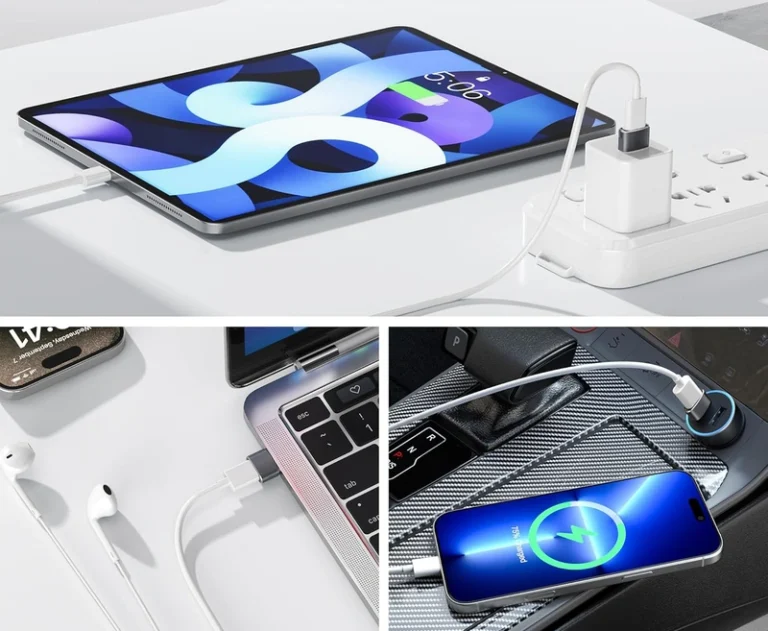
This guide explains why USB-C to USB-A adapters fail and provides actionable solutions for IT managers and power users to diagnose and fix issues quickly.
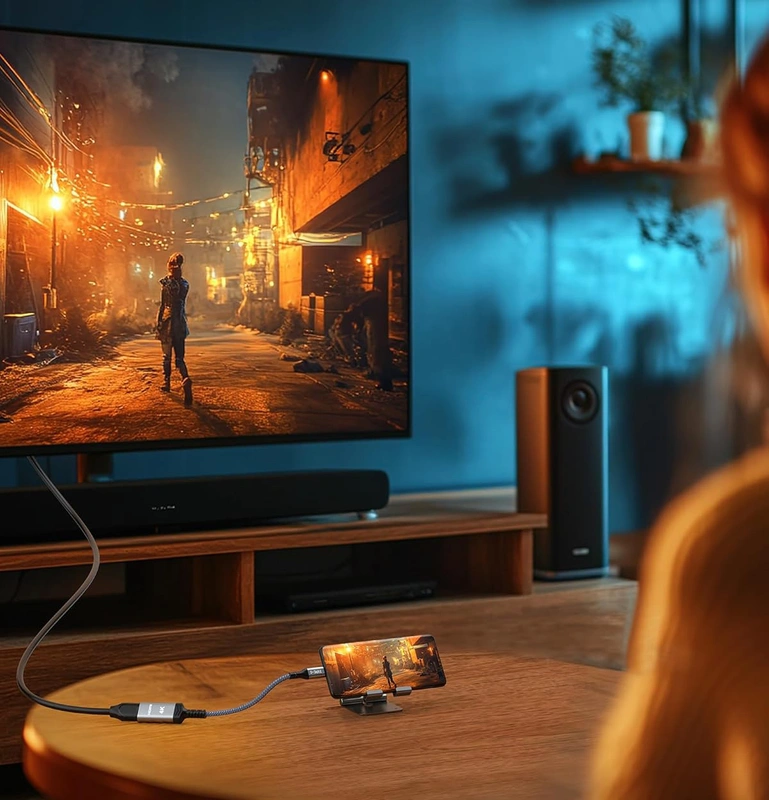
Fix USB-C to HDMI adapter issues with systematic checks for connections, compatibility, power, and settings to restore your display.
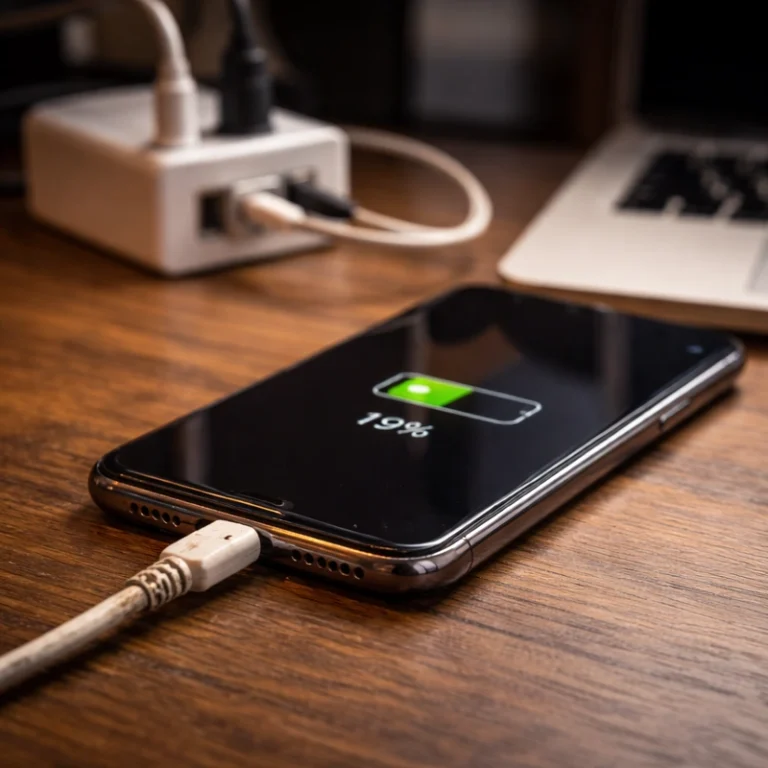
Discover the real reasons your phone charges slowly and learn practical fixes for cables, power sources, software, and battery health.
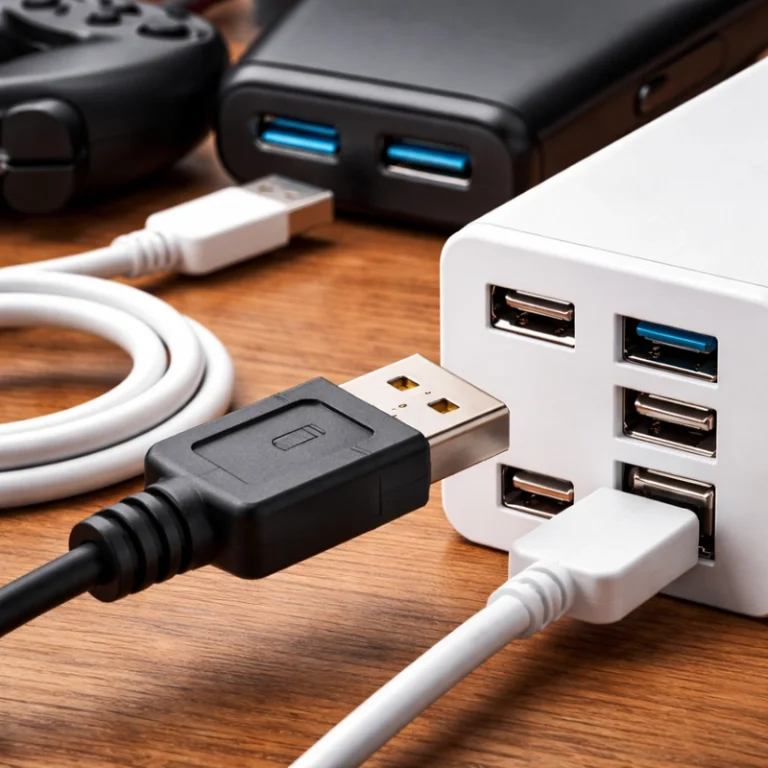
Despite USB-C’s prominence, USB Type-A remains the world’s most ubiquitous charging port, valued for its universal compatibility, cost-effectiveness, and proven reliability.
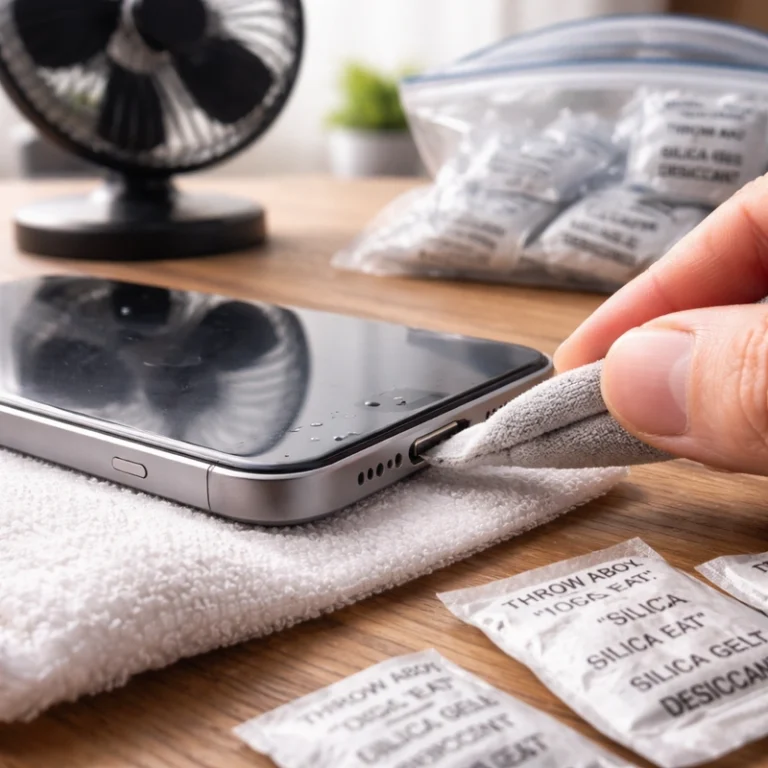
Discover the safe, effective way to dry a wet phone charging port, avoiding common harmful methods like rice or heat to protect delicate internal components.
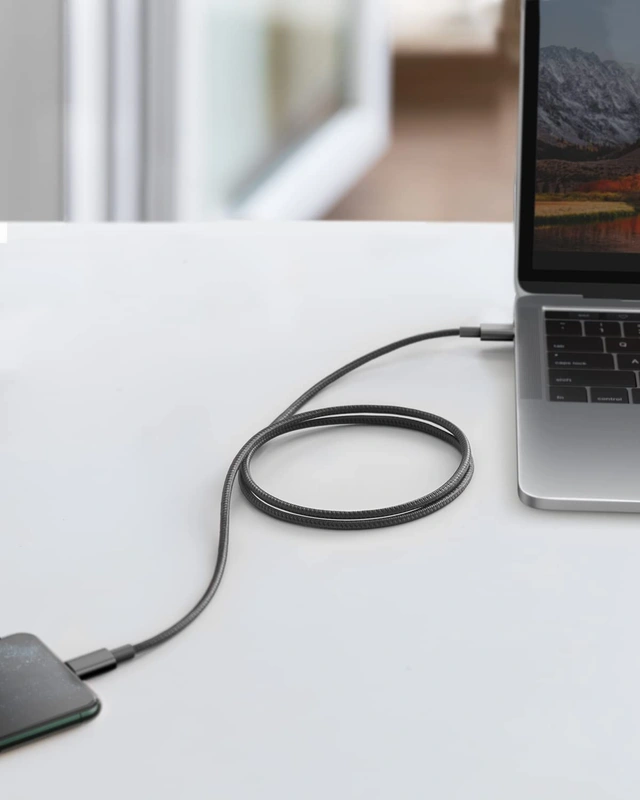
This article analyzes the USB-C vs. Lightning debate, comparing technical specs, cost, and durability to guide manufacturers and consumers toward the universal USB-C standard.
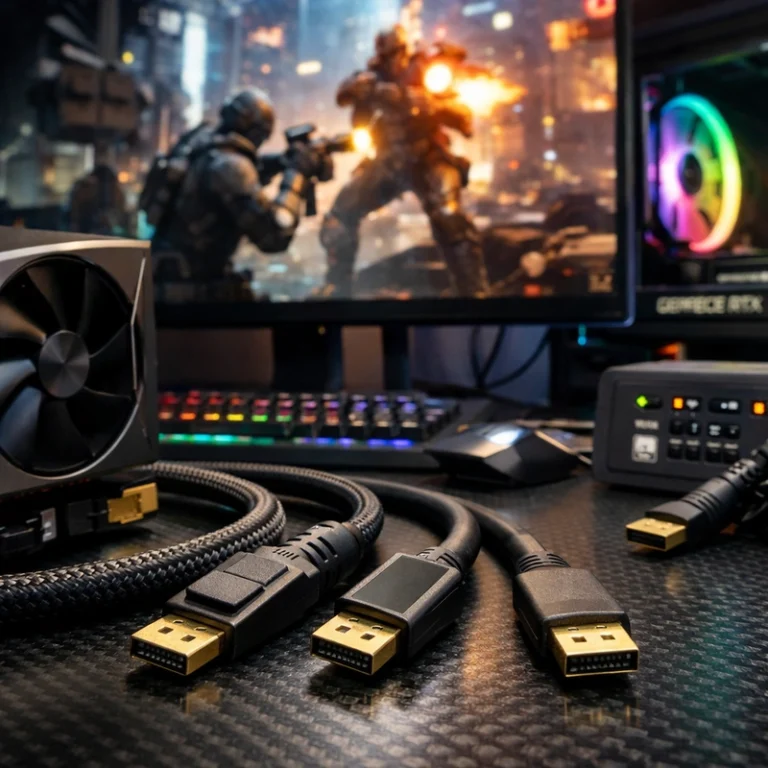
Choosing the right DisplayPort cable is crucial for unlocking the full 4K/144Hz potential of your high-end GPU and monitor, preventing issues like flickering and capped refresh rates.
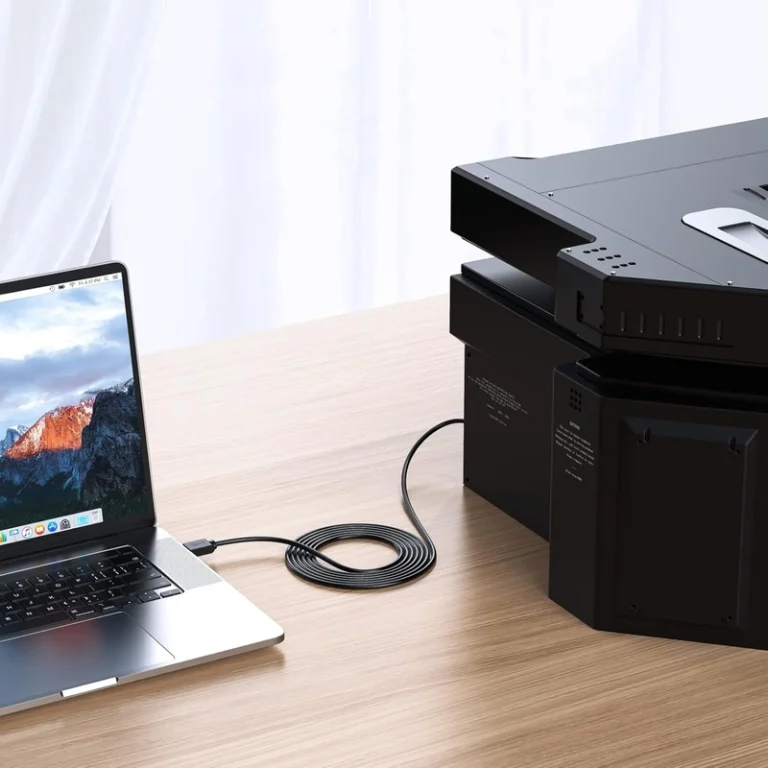
This definitive guide explores the enduring role of USB-A, its modern charging capabilities, and practical design considerations for OEMs navigating today’s hybrid ecosystem.
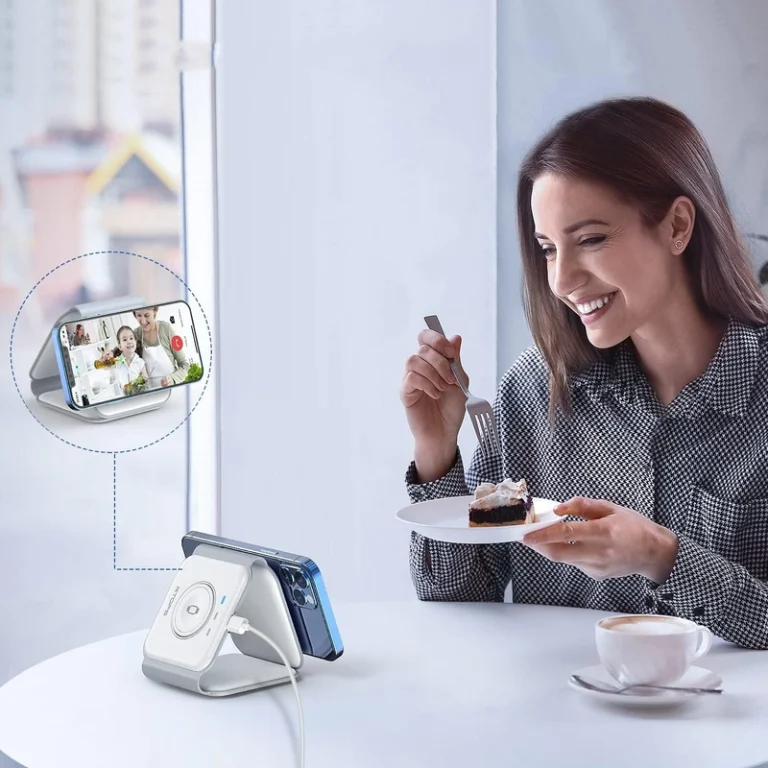
This guide explains how inductive wireless charging works, its benefits for modern devices, and best practices for optimal use.

This article explores the Lightning connector’s design, its role in Apple’s ecosystem, and practical advice for users and manufacturers navigating its legacy.
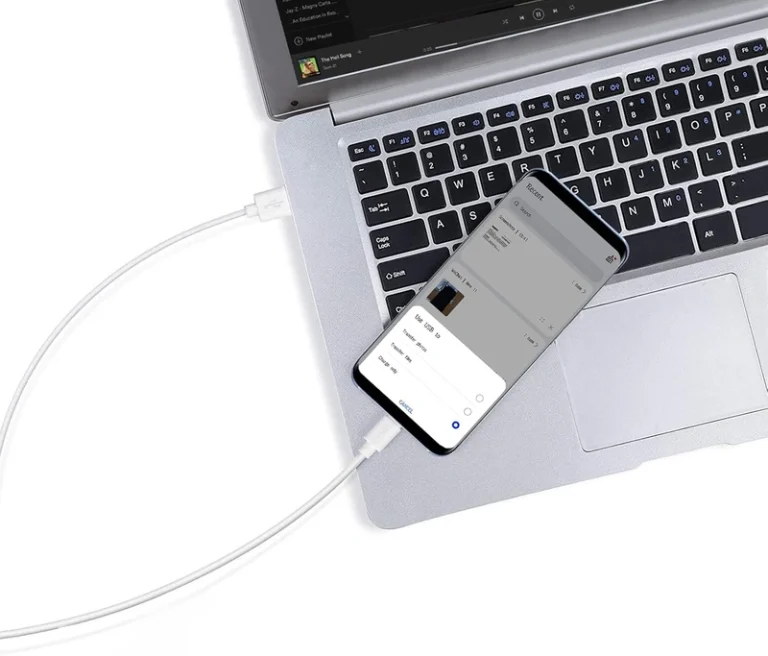
Compare Micro USB and USB-C for charging cables, device design, replacement demand, power, durability, compliance, cost, and compatibility checks.